
Many hospitals use healthcare mobility platforms to coordinate physician transfers, and you can implement standardized protocols, mobile scheduling, secure messaging, and real-time tracking to cut delays, ensure compliant documentation, and improve patient continuity of care.
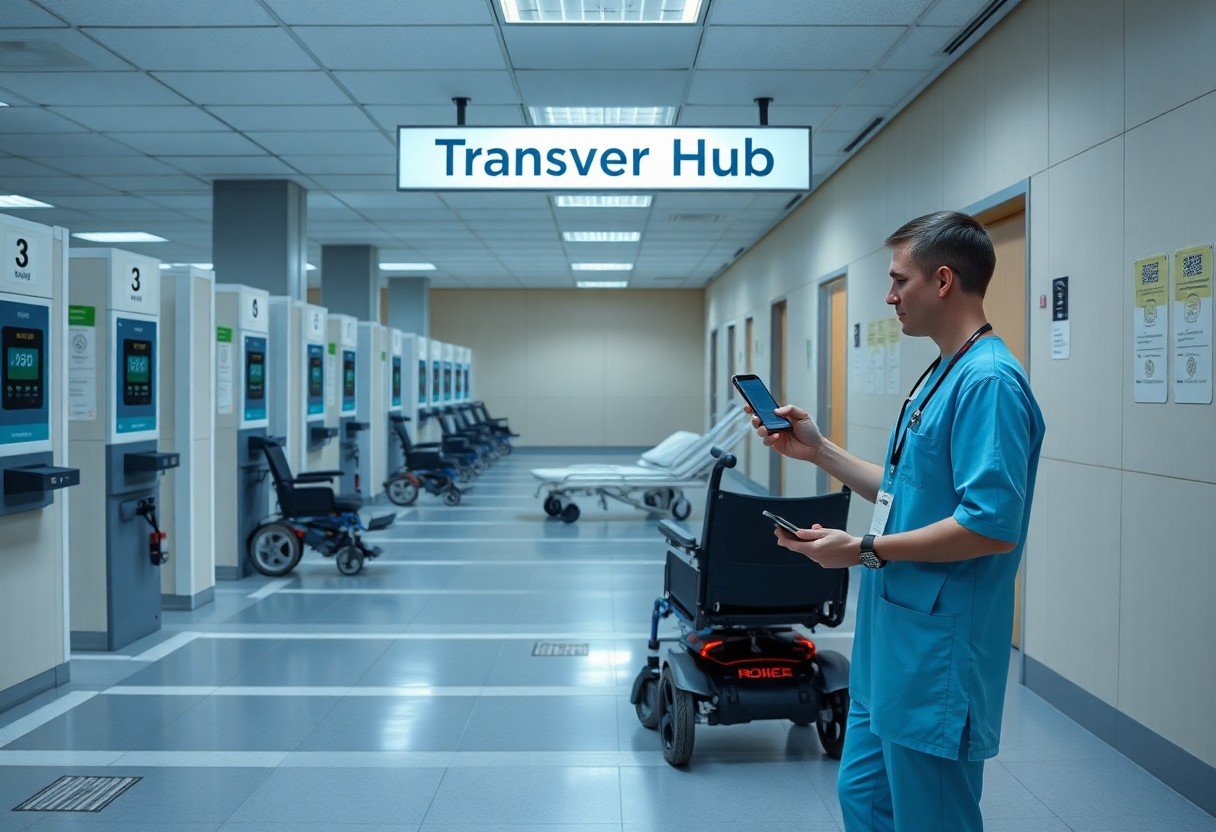
Identifying Critical Factors for Mobile Integration
You must weigh technical and clinical elements when planning mobile integration:
- workflow alignment
- security controls
- device access
Recognizing these factors lets you prioritize features that streamline physician transfers while protecting patient data.
Assessing clinical workflow requirements
Assess your transfer steps, roles, notification triggers, and handoff points to align mobile tasks with clinical responsibilities without adding steps or delays.
Evaluating data security and HIPAA compliance
Examine encryption standards, access permissions, and audit capabilities to confirm the solution meets HIPAA requirements for protected health information in transit and at rest.
Verify vendor business associate agreements, end-to-end encryption (TLS 1.2+), mobile device management, multi-factor authentication, regular penetration testing, and comprehensive audit logs with retention policies that match your compliance team’s expectations.
How-To Implement Real-Time Patient Data Access
Implement mobile access controls and role-based views so you can see live vitals, allergies, and notes during transfers without delays, ensuring timely handoffs and informed decisions at each step.
Integrating EHR systems with mobile platforms
Connect EHR APIs to your mobile apps using standardized formats, map fields for accurate transfer summaries, and test push notifications so clinicians always have current charts when coordinating moves.
Optimizing cloud-based synchronization for transfers
Optimize conflict resolution and incremental sync so your team sees recent updates instantly during patient moves, reducing duplicate work and preventing outdated records from delaying care.
Configure your cloud sync to use incremental diffs, reliable timestamps or vector clocks for conflict detection, and priority channels for transfer-related events; implement offline queues with retry logic, payload compression, end-to-end encryption, and strict access controls, while monitoring reconciliation metrics and failover tests so you can maintain continuity and speed during every transfer.
Streamlining Physician Communication Protocols
Streamlining physician communication protocols reduces transfer delays and clarifies responsibilities; you should define escalation paths, standardized handover templates, and role-based contact lists to speed decisions and limit interruptions.
Utilizing secure messaging for clinical handovers
You must enforce encrypted messaging for clinical handovers, use standardized templates for status and tasks, require read receipts, and maintain audit logs so transfers are documented and accountable.
Implementing VoIP and video consultation tools
Adopt VoIP and secure video tools to run rapid consults during transfers, ensure encryption and priority call routing, integrate with scheduling, and confirm clinical decisions remotely to reduce unnecessary movement.
Configure VoIP and video platforms with Quality of Service prioritization, end-to-end encryption, and single sign-on tied to your EHR so clinicians access patient context instantly; set call priority rules, enable waiting-room controls, restrict recordings without consent, add failover SIP trunks, and train staff on quick screen-sharing and escalation steps for connectivity loss.
Tips for Enhancing Physician Adoption and UX
Streamline physician adoption by prioritizing task flows, quick access to patient data, and fast authentication so you reduce friction during transfers.
- Short, role-specific workflows that you can learn in minutes.
- Reliable offline access and prioritized alerts so urgent info reaches you during handoffs.
- Knowing how physicians use the system lets you adjust features and training rapidly.
Designing intuitive interfaces for high-pressure environments
Make interfaces with large touch targets, clear priorities, and minimal taps so you can complete transfers under pressure with fewer errors.
Providing continuous technical support and training
Offer on-demand help, brief refresher modules, and peer champions so you can fix issues fast and build confidence during shifts.
Provide layered support – 24/7 help desk, rapid incident triage, role-based microlearning, in-app guided troubleshooting, and scheduled feedback reviews – so you can identify adoption gaps, prioritize UX fixes, and keep physicians productive during peak transfer times.
Managing Hardware and Connectivity Infrastructure
Hardware standardization reduces support overhead; you should map device lifecycles, chargers, mounts, spare inventories, and replacement procedures to minimize downtime and speed physician transfers across units.
Selecting clinical-grade mobile devices
Devices should meet clinical requirements, enable easy sanitization, deliver long battery life, and offer secure OS support; you should validate performance with EHR apps, barcode scanners, and your docking solutions before purchase.
Ensuring enterprise-wide wireless reliability
Coverage planning requires AP placement, capacity forecasts, and spectrum analysis; you should run walk tests and prioritize low-latency coverage in corridors, transfer bays, and handoff points used for physician moves.
Monitoring and proactive management keep wireless uptime high: you should implement continuous RF monitoring, set roaming thresholds and QoS for clinical voice/data, and deploy redundant controllers or cloud-managed failover. Schedule RF surveys during peak shifts, test handoffs under load, and integrate alerts with your ITSM so you can triage issues before they impact transfers.
Monitoring Efficiency and Performance Metrics
Monitoring operational KPIs such as average transfer time, handoff errors, and system uptime helps you identify bottlenecks, set targets, and report performance to stakeholders.
Tracking transfer speed and data accuracy
Track end-to-end transfer speed and cross-check timestamps, location pings, and record integrity so you can reduce delays, improve routing, and assure data accuracy.
Analyzing physician feedback for system optimization
Collect structured physician feedback after transfers via short surveys, rating scales, and quick voice notes so you can spot usability issues, training needs, and recurring workflow problems.
You should schedule brief, targeted surveys immediately after transfers, combining Likert-scale questions for speed and accuracy with one open comment field for context. Use in-app prompts and optional anonymous submissions to increase response rate. Tag and categorize comments, quantify trends monthly, prioritize fixes by frequency and operational impact, and report changes back to physicians so you close the feedback loop and measure improvement.
Summing up
You can optimize physician transfers by standardizing protocols, using interoperable mobile platforms for real-time scheduling and secure messaging, training staff on workflow changes, and monitoring outcomes to reduce delays and improve patient care.